From Blockhead to Fashion Icon: Minecraft Skin Editors That Rule 2026
Upgrade your blocky avatar with the best Minecraft skin editors, from the classic Skindex to powerful Blockbench, for pixel-perfect customization.
There comes a time in every cube-headed adventurer’s life when the default Steve and Alex just don’t cut it anymore. Let’s be real — nobody wants to look like a walking lump of dirt in 2026, especially when the game’s custom skin scene has exploded into a full-blown digital fashion runway. A Minecraft skin editor isn’t just some paint-by-numbers tool anymore; it’s like having a personal stylist who actually understands the geometry of a blocky torso. And honestly? The results can be jaw-dropping.
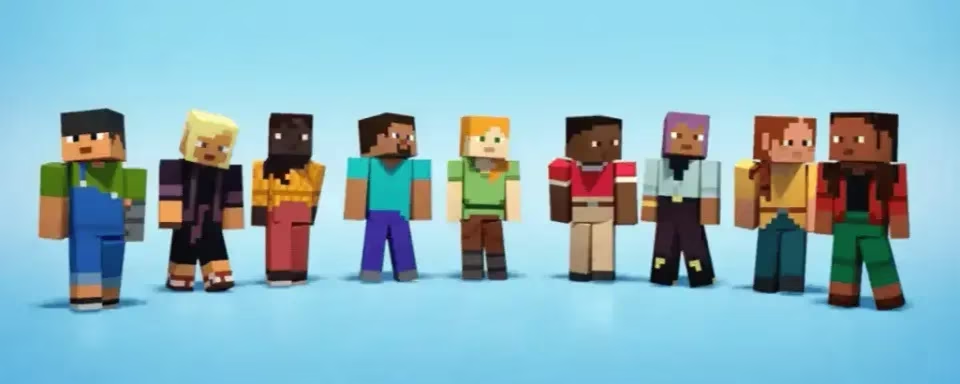
For the uninitiated, a Minecraft skin is basically the digital clothing your character wears while punching trees or fleeing from creepers. Modern skin editors have gotten so clever that they practically hold your hand through the process, whether you’re a five-year-old who thinks a “pencil tool” is a real pencil, or a professional mod artist who dreams in UV maps. The sheer number of free, browser-based tools out there is borderline overwhelming — but that’s where a sensible, slightly sarcastic guide comes in handy.
The Royal Court of Skin Editors
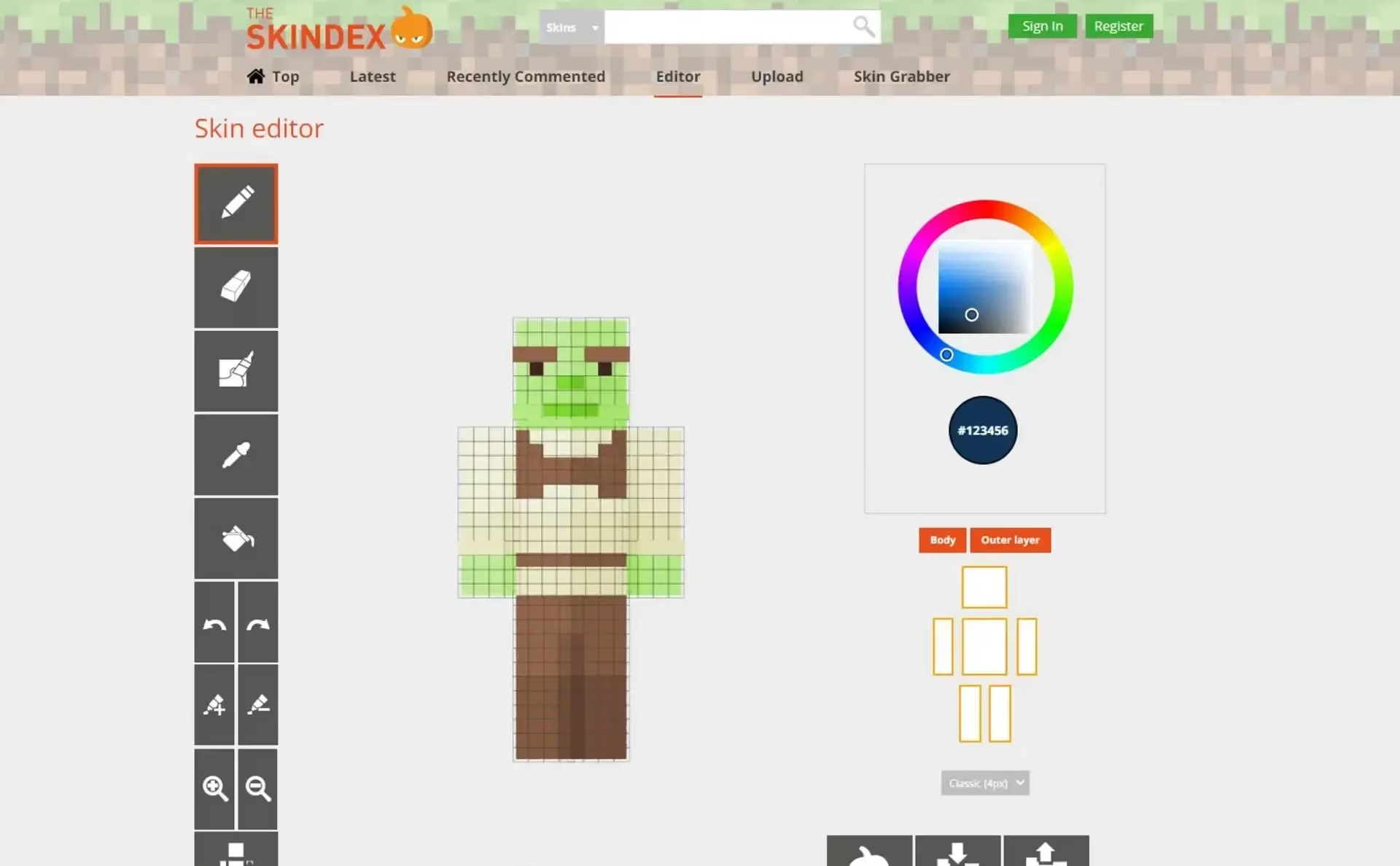
Each editor has its own personality. Skindex Editor is that chill, friendly neighbor who’s been around forever and still brings the best potato salad. Its charm lies in a clutter-free interface and a massive library of community creations. You can peek at what others have made, grab a skin, and tweak it until it screams “you.” In 2026, Skindex is still a fan favorite, now with smarter shading and even smoother controls. It just… works.
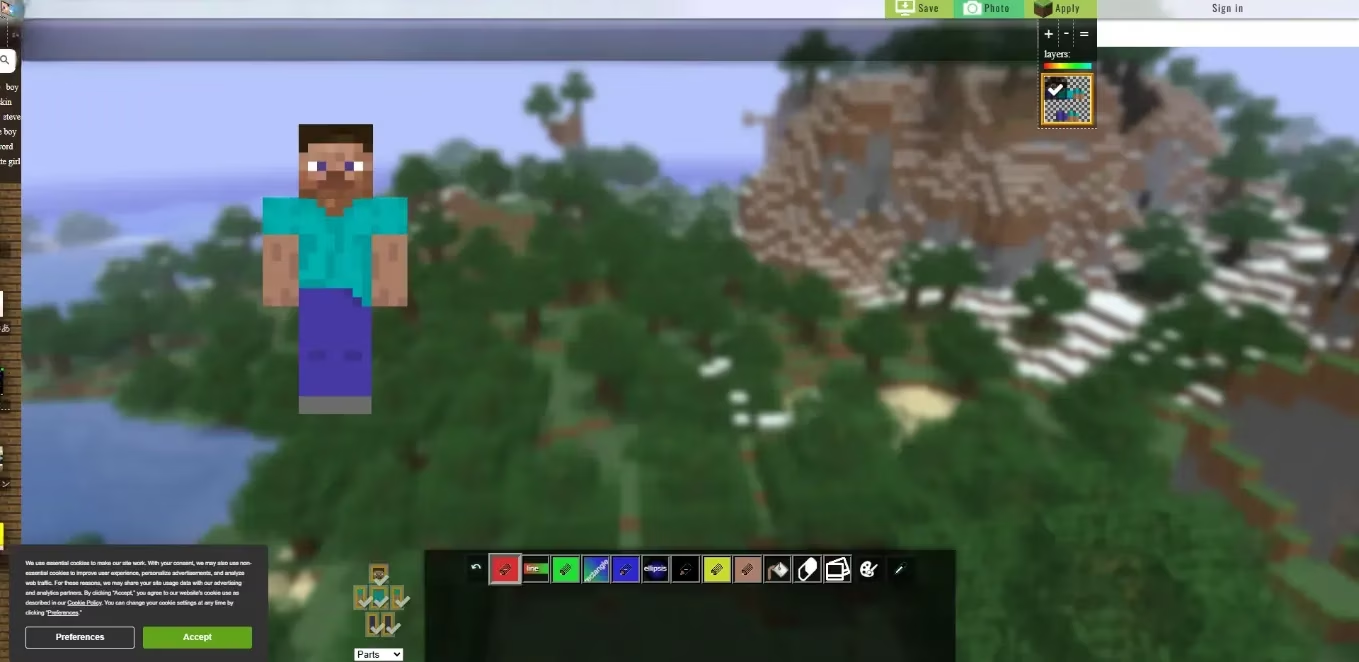
Then there’s NovaSkin, which struts in like a holographic fashion designer from a sci-fi movie. Its real-time 3D preview makes you feel like you’re spinning your character on a digital runway. You can pose it, add dramatic lighting, and paint directly onto the 3D model — no need to imagine how that intricate back design will look when your avatar runs away from a charged creeper. NovaSkin also introduces layers and precise shading that would make a Renaissance painter weep.
For the pixel-perfectionists who treat each block like a sacred artifact, Blockbench enters the chat. This isn’t your casual doodling pad; it’s a powerhouse that supports Java Edition models, custom geometry, and the kind of precision that modders crave. Blockbench growls, “You want ultimate control? I’ll give it to you.” It might not be the coziest tool for beginners, but for experienced artists, it’s the holy grail of skin editors.
On the other end of the spectrum sits Tynker Skins Editor, the patient, rainbow-colored teacher who hands out crayons and says, “Let’s make a cat-knight hybrid!” Its block-based drawing system simplifies everything for younger players. Even a toddler could probably design a skin that somehow looks cooler than anything you’ve made in an hour. Don’t think about it too much.
2026: The Year Skins Got Brainy
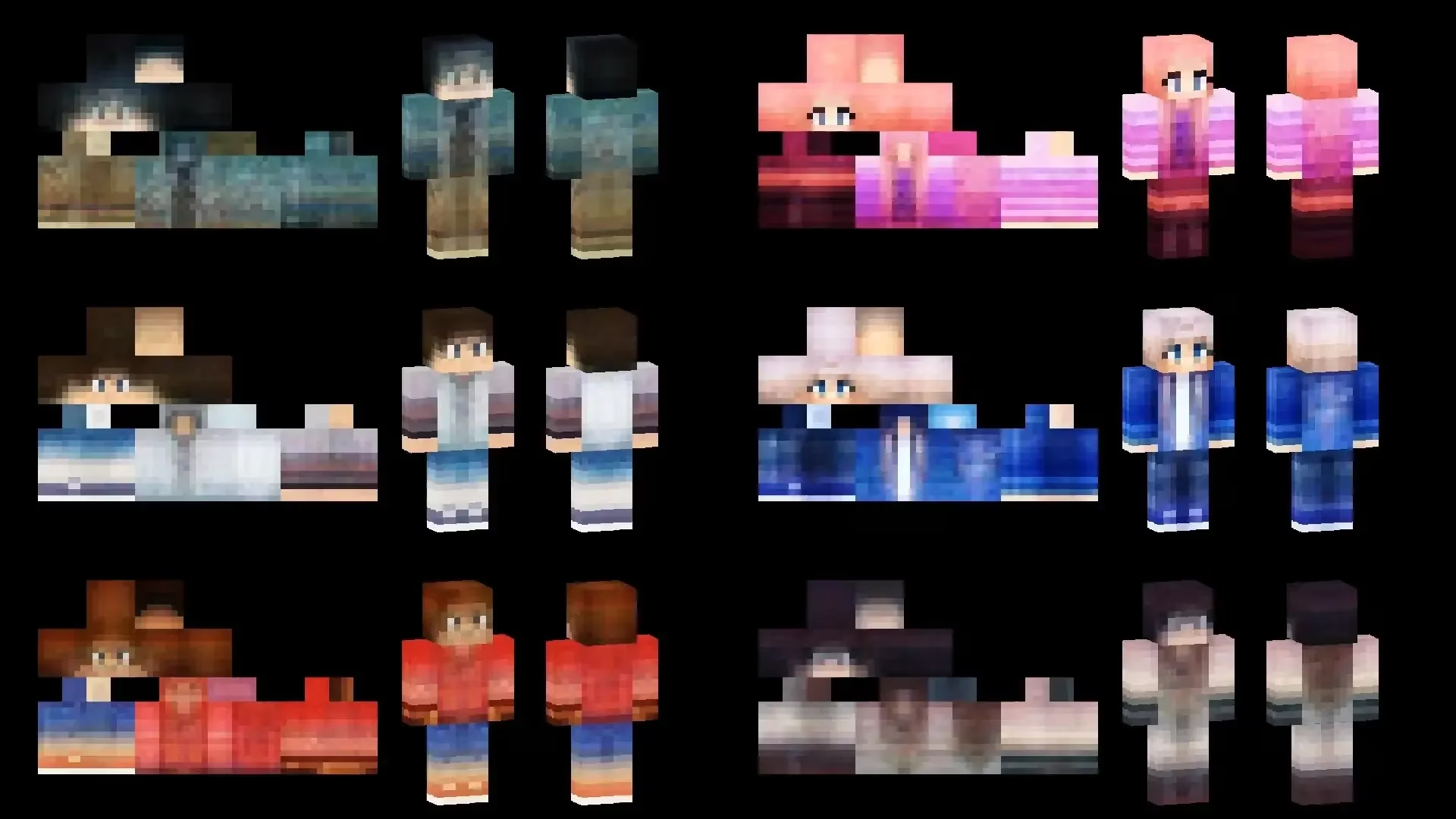
The genuine “Wait, what?” moment of the year arrived with AI-assisted skin design. You type a few keywords — like “cyberpunk panda knight” — and the editor spits out a shockingly good base skin. Upload a photo of your goofy dog, and it’ll morph into a blocky canine companion. Holy cow, it’s almost too easy. Smart shading tools now automatically paint shadows and highlights, making even hastily drawn outfits look like they belong in a top-tier texture pack.
Real-time collaborative editing also burst onto the scene, which means you and your best friend can decorate the same skin simultaneously from different continents. It’s chaotic, hilarious, and occasionally ends with a skin that has sixteen eyes and no pants. Cross-platform compatibility got a major upgrade too; your masterpiece now slides effortlessly between Java Edition, Bedrock, and mobile without any weird pixel scrunching.
From a Blank Canvas to a Pixelated Masterpiece
Let’s say you fire up Skindex. You’re greeted by a friendly grid of a 3D humanoid figure that looks hilariously undressed. The left panel offers a pencil, eraser, auto-tone picker, fill bucket, and a soften/intensify color tool — the whole art kit, minus the mess. Spin the model freely, hide its arms if they’re in the way, and paint layer by layer. The interface doesn’t judge you for coloring outside the lines, which is a relief.
You can also snag a ready-made skin from the community gallery and remix it to your wildest desires. Found a cool ninja skin but think it needs a top hat? Slap it on. Want those boots to glow? A few clicks and you’re done. Once the final stitch is placed, download the PNG file and prepare to take your creation live.
Suited Up: How to Change Your Skin
Changing a skin in the official Minecraft Launcher is mercifully simple. Navigate to the Skins tab, hit New Skin, give your creation a name, and pick either the Wide or Slim model. Upload the file, click Save and Use, and boom — your blocky alter ego is ready to paraglide into the nearest village.
Through the browser, the ritual is much the same: log into your Minecraft profile, go to the skins section, select your model type, and upload the custom skin. A moment later, your character steps into the world looking like the ruler of a fluorescent kingdom or a sentient pizza slice. Whatever floats your boat.
The Endless Closet
Not feeling the creative itch? No problem. The internet overflows with free, polished skins on platforms like Planet Minecraft and MCPEDL. Everyday thousands of new designs pop up — trending cyberpunks, cozy autumn fits, and enough anime characters to populate an entire convention. Sometimes the best skin is the one someone else spent six hours perfecting, and there’s zero shame in clicking “download.”
In 2026, your Minecraft skin says more about you than a thousand diamond swords ever could. Whether you’re slaying the Ender Dragon in a bespoke tuxedo or just flaunting a neon hoodie while farming potatoes, the tools have never been simpler, smarter, or more downright fun. The only danger? You might spend more time designing your wardrobe than actually playing the game. Then again, looking this good is absolutely worth it — right?
Data referenced from SteamDB helps frame why Minecraft-adjacent creativity tools keep surging in 2026: when a game’s ecosystem stays active and discoverable, players naturally invest more into personalization—like spending real time perfecting skins, swapping presets, and experimenting with new editor features (AI shading, layers, and cross-platform exports) before jumping back into survival.
Comments